
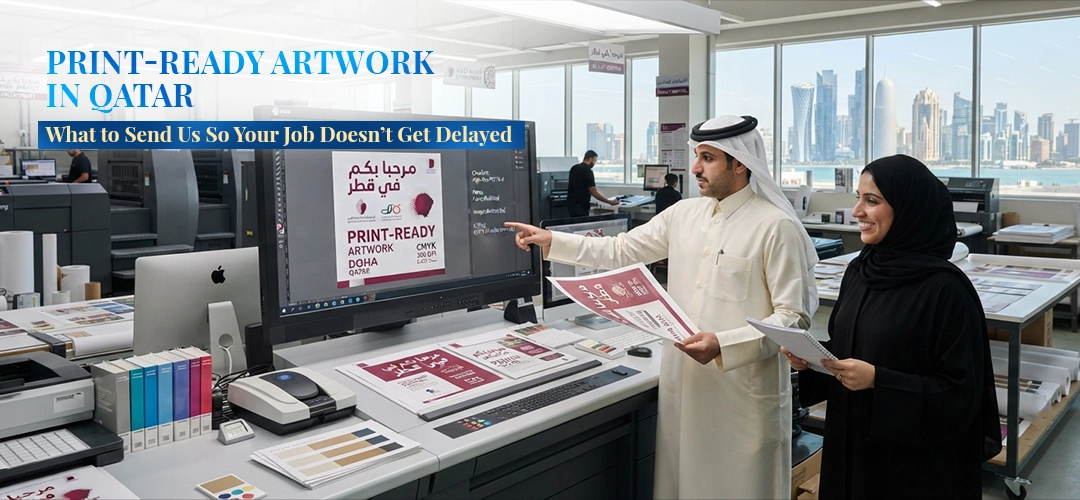
Nothing slows a print job down faster than artwork that isn’t ready to print. Not because anyone did anything wrong — most of the time, a designer or business owner simply doesn’t know what a commercial printer actually needs, because it’s different from what looks right on a screen. This guide covers exactly what to send us, so your brochures, packaging, or business cards go straight to press instead of bouncing back for corrections.
1. Send a Print-Ready PDF Where Possible
A high-resolution PDF (PDF/X-1a or PDF/X-4) is the safest format for almost any print job — business cards, brochures, packaging, banners. It locks in your fonts, colors, and layout so nothing shifts between your screen and our press. If you’re working from Illustrator, InDesign, or Photoshop, we can also work directly from those native files, but a PDF export avoids most last-minute surprises.
2. Work in CMYK, Not RGB
Screens display color using RGB (red, green, blue) — light. Printing presses build color using CMYK (cyan, magenta, yellow, black) — ink. If your file is set to RGB, colors shift when converted to CMYK for print, sometimes significantly (bright blues and greens are the usual casualties). Set your document to CMYK from the start rather than converting at the last minute, and you’ll get a much closer match between what you designed and what comes off the press.
3. Resolution: 300 DPI, Not 72 DPI
Anything under 300 DPI (dots per inch) at final print size will look sharp on a screen and blurry or pixelated in print — this is the single most common issue we see with logos and images pulled from websites or WhatsApp. If you’re not sure, check the image at 100% zoom in your design software: if it looks soft or blocky at that size, it will print that way too.
4. Bleed and Safe Margins
If your design has color or an image that runs to the very edge of the page — a business card with a full-color background, for example — it needs “bleed”: extra artwork extending 2–3mm past the trim line. Without bleed, tiny shifts in the cutting process can leave a thin white sliver along the edge. Similarly, keep important text and logos inside a “safe margin” (usually 3–5mm from the trim edge) so nothing gets cut off.
5. Outline or Embed Your Fonts
If a font isn’t installed on our system and isn’t embedded or outlined in your file, it gets substituted automatically — which can quietly change your entire layout. Before sending a native file, either embed the fonts or convert text to outlines/curves. PDF exports handle this automatically if done correctly, which is one more reason PDF is the safer choice.
6. Flag Any Pantone or Spot Colors
If your brand has an exact color that needs to match every time — a logo, for instance — tell us the Pantone (PMS) reference number rather than just “our blue.” Standard CMYK printing can get close to most Pantone colors but not always exact; for critical brand colors, spot-color printing guarantees consistency across every order.
7. Ask for a Proof Before the Full Run
For any job of meaningful size, ask for a physical or digital proof before we commit to the full print run. It’s the cheapest insurance against a costly reprint, and it catches issues — color, cropping, text errors — that are easy to miss on a screen.
Quick Pre-Submission Checklist
- File is a PDF (or native file with fonts embedded/outlined)
- Color mode is CMYK, not RGB
- Images are 300 DPI at final size
- Bleed added where designs run to the edge (2–3mm)
- Important content sits inside the safe margin
- Pantone/spot colors flagged, if applicable
- Proof requested before full production
Not Sure? Send It Anyway
If any of this sounds unfamiliar, don’t worry about getting it perfect — send us what you have and our prepress team will flag anything that needs fixing before it goes to press. It’s always faster to catch an issue before printing than after.
Need artwork prepared from scratch, or want us to check a file before you commit to a print run? Get in touch with Speedline Printing Press — Qatar’s printing partner since 1999.